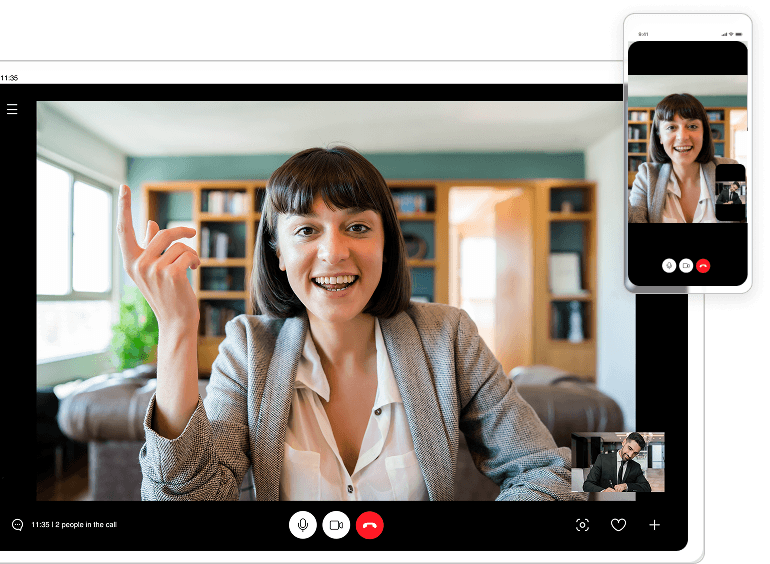
See Every Detail, Record Every Moment
Effortlessly capture your screen in stunning high definition with clear visuals and smooth frame rates, perfect for tutorials, meetings, and presentations.
Cut, Crop, Create!
Enhance your recordings with built-in editing tools, trim clips, add text, highlight key moments, and create polished videos without switching between apps.
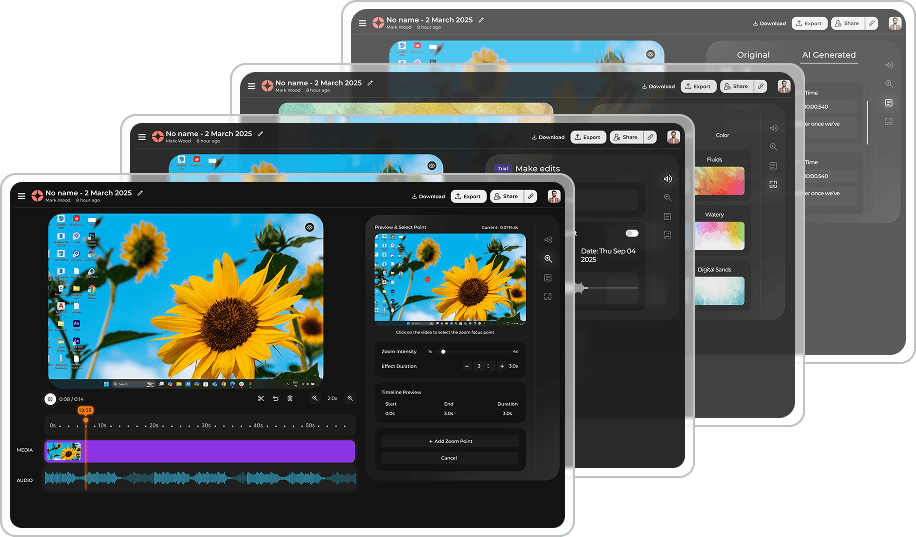
Smart Editing Tools
Built-in editor with automatic transcription, smart cropping, and one-click sharing to your favorite platforms.

Trusted by millions worldwide
Join the community of creators and professionals
What users are saying

Boom has transformed how I create tutorials. The quality is incredible and it just works!

Finally, a screen recorder that doesn't slow down my machine. The performance is outstanding.

The editing features save me hours. I can record, edit, and share all in one place.
Why choose Boom?
See how Boom compares to other screen recorders
| Feature |  | Others |
|---|---|---|
| 4K Recording | ✅ | ❌ |
| No Watermark | ✅ | ❌ |
| Unlimited Recording | ✅ | ⏱️ 5 min |
| AI Transcription | ✅ | 💰 Paid |
| Cloud Storage | ✅ Free | 💰 Paid |
| Instant Sharing | ✅ | ✅ |
System Requirements
Boom runs smoothly on all modern systems
Windows
- Windows 10+
- 4GB RAM
- 200MB Storage
macOS
- macOS 10.15+
- 4GB RAM
- 200MB Storage
Linux
- Ubuntu 20.04+
- 4GB RAM
- 200MB Storage
Mobile
- iOS 14+ / Android 8+
- 2GB RAM
- 100MB Storage
Frequently Asked Questions
What is Boom?
Boom is an AI screen recorder that turns one take into finished work. You record once, and Boom trims silences, writes the transcript, pulls out notes and action items, and lets you share or dub the video in 50+ languages.
Is Boom really free?
Yes. Boom is $0 forever: unlimited recordings, 50+ languages, transcripts, AI summaries, and prize entries. No credit card, no trial, no watermark, no “Pro” paywall later.
How does Global Voice / dubbing work?
You speak in your language. Boom clones your voice, translates what you said, and plays it back in your listener’s language with native pronunciation. Your tone and emotion stay the same—only the language and accent change.
Who is Boom for?
Founders, freelancers, teachers, sales teams, product managers, engineers—anyone who explains things on calls or screen recordings. Use Boom for updates, demos, lessons, onboarding, bug reports, and async feedback instead of more meetings.
Is my data private and secure?
Yes. Your recordings are encrypted, and you choose who can see them. We don’t sell your data or use your videos to train external models. You can keep videos private, share a link, or delete them at any time.
Do I really win prizes for using Boom?
Yes. Every recording, view, dubbed video, and cancelled meeting earns entries into real gift-card drawings. Daily, weekly and monthly winners are picked automatically—using Boom for work literally gives you a chance to get paid for it.
How do I get help, report bugs, or request features?
The best way is to join the Boom Share AI Discord community! It's a vibrant space to get fast support directly from the Boom team, hang out with other creators, and enjoy free text and voice chat.
Start Recording in Seconds
Join 2M+ users creating better content with Boom